A consultant website that gets you the call.
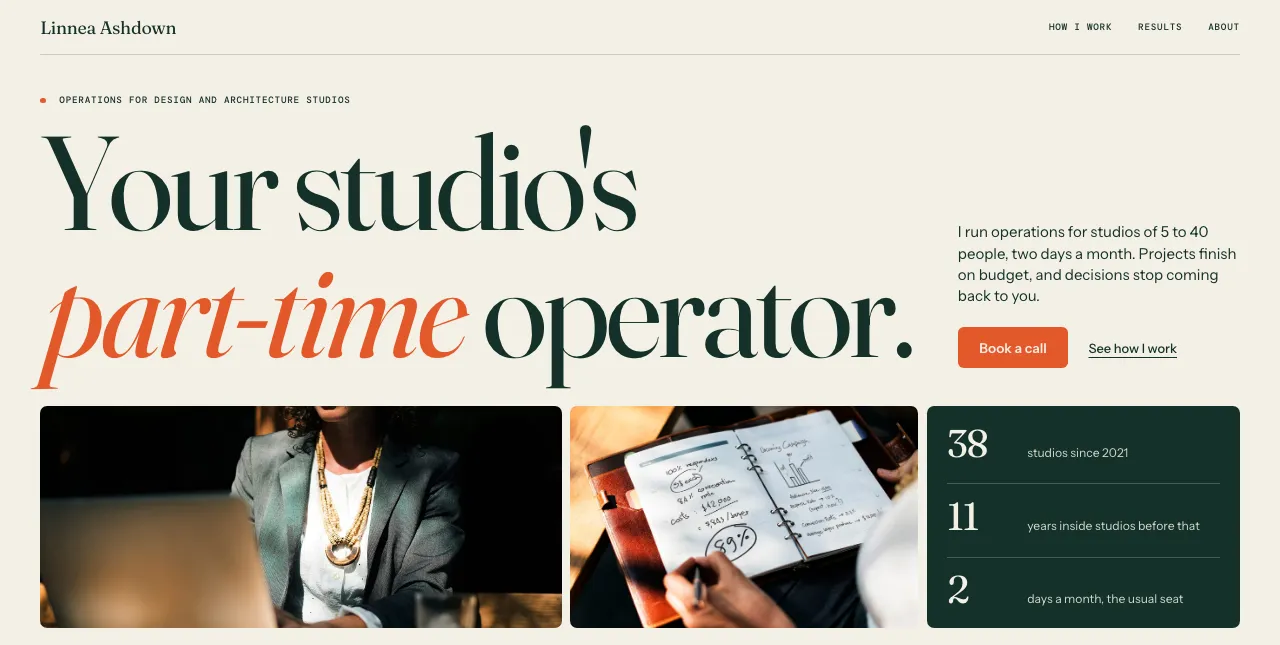
Tell Mini what you do and who you do it for. She builds your website, and every call request lands in People with where it came from.



Most of your visitors are in Chicago, come from Instagram and read your page on their phone.
What do my visitors want?Most sent a call request.
How do I get more call requests?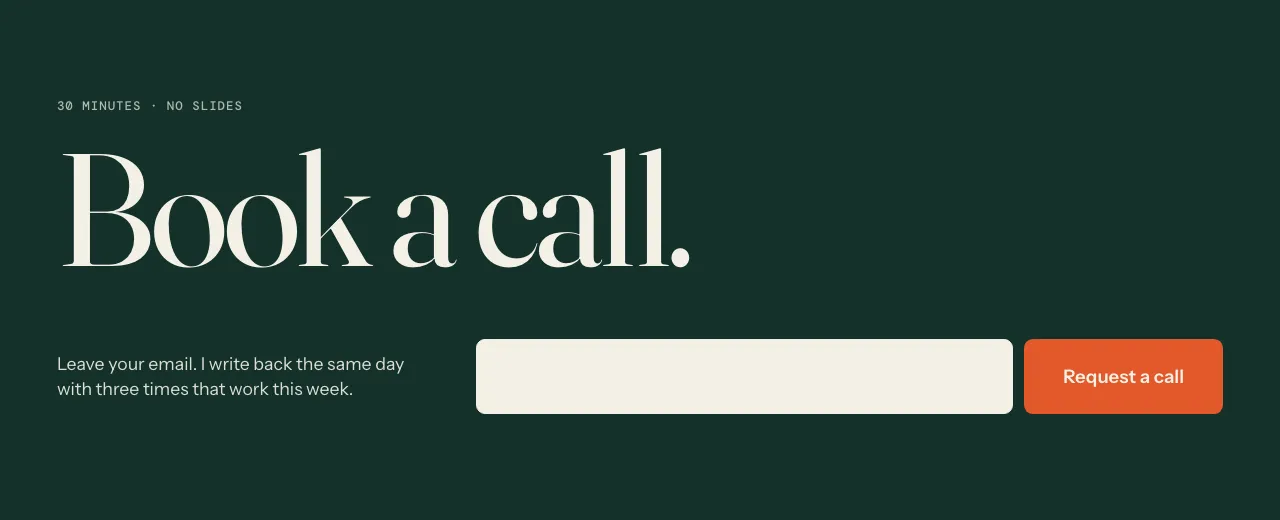

Ready to grow your business?
How Minispace helps
| You need | Minispace does |
|---|---|
| A first screen that says what you do and who you do it for. | Mini asks about your work and your clients. Then she writes your page in your own words: your role, who it is for and one clear button. |
| To show how you work, and results you can share. | Tell Mini your ways of working and what changed for your clients, with or without their names. She builds the page from what you tell her and your own photos. |
| An easy way for a prospect to ask for a call. | A button on your page goes to your booking link, your email or your phone. On Launch, a form on your page takes their email. |
| To know who asked, and where they found you. | On Launch, every request lands in People, one list of everyone who wrote to you, with where they came from, like Google or Instagram. |
| To change your offer the day it changes. | Click any part of your page and tell Mini what to change. If you don't like it, undo it. |
| To take bookings and get paid without one more app. | Not on the page itself yet. Today a button on your page opens the booking link you already use. Booking and paying on the page is what we're building next. |
Questions, answered.
What should a consultant website have?
One line that says who you help and what you do. Then how you work, who you have worked with or the results you can share, a short About, and one way to ask for a call. Mini asks you for each of these and builds your page from your answers.
Is Minispace a website builder for consultants?
Yes, and it does more than build. Mini makes your consulting website from a chat, in your own words. On Launch, every call request lands in People, and Insights shows what brings people in.
How much does it cost?
Building your website with Mini is free, so you see it before you pay. Launch is $19 a year and puts it on your own domain, with forms and basic analytics.
Can a prospect book a call from my website?
Yes. A button on your page can go to the booking link you already use, or to your email or phone. Booking and paying on the page itself is not there yet. It is what we're building next.
I can't name my clients. Can I still show my work?
Yes. Tell Mini the kind of client, the problem and what changed, and leave the name out. She writes your page from what you tell her.
Is it one page or a full site?
One page. It holds what a prospect looks for: who you help, how you work, your results, a little about you and how to reach you. Buttons on the page can jump to each section.
Can I use my own domain?
Yes, on Launch. We walk you through connecting it, step by step. On Free, your website is live on a minispace subdomain.
Can I change my services or prices later?
Yes, as often as you like. Click any part of your page and tell Mini what to change. If you don't like it, undo it.